software
craft
play
writing

Topic Register
Choose the surface that matches the kind of attention you have.
Start from the question that changed shape, then cross into a neighbor before the thought hardens. Come back when that neighbor has a new issue.
Holds: hubs, leaves, timelines, and operator pages — shelves that stay while the issue changes. First move: the route that made the next question smaller than it was yesterday. Tap primes a chip. Hold inspects it. This shelf remembers the visit.
Browse a subject below, or enter through something you want to make. The subject cards are a shelf, not a required reading order. A useful next link tells you what you can do with the idea you have just met.
For a short project across subjects, make a cue sheet for a tiny show: use logic to set a rule, software to represent and check it, math to count possible orders, and play to rehearse one. You leave with a sheet another person can use. For your own project, keep the question, evidence, and source links together.
Collected fragments should lead back to their source — that's why cauldron language lives here.
- shelf
- issue
- leaf
- return
Hub
Start broad when several domains are pulling on the same idea — the issue, not the whole library.
Leaf
A specific next move: a proof, a component, a prompt, an example you can reopen after the next close.
Bridge
Leave with one adjacent route so the thought keeps moving — then return when that route has a new close.
Route by attention
System shape, learning pressure, public artifact, and live next step each ask for a different atlas posture.
Hand off without a second map
Skip a shelf if you already know the domain. The numbers are order of arrival, not rank.
- Start with About if you need the person before the shelf.
- Cross to Play when a topic wants a table test instead of another card.
- Open Art when the next evidence is a still.
- Use Services when the topic wants a commission, not another leaf.
- Check Now for this week’s sprint on the same header map.
- Name the part on the design worktable if the atlas is already using it.
Topic Cards

Visual Studies
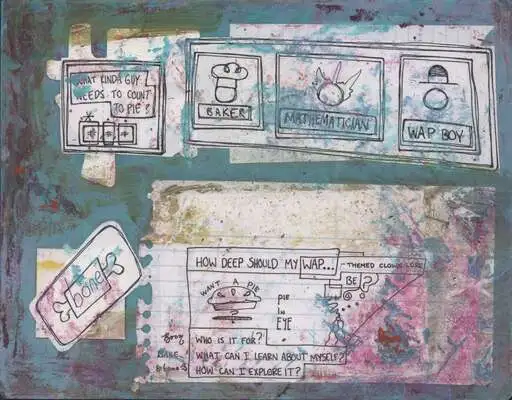
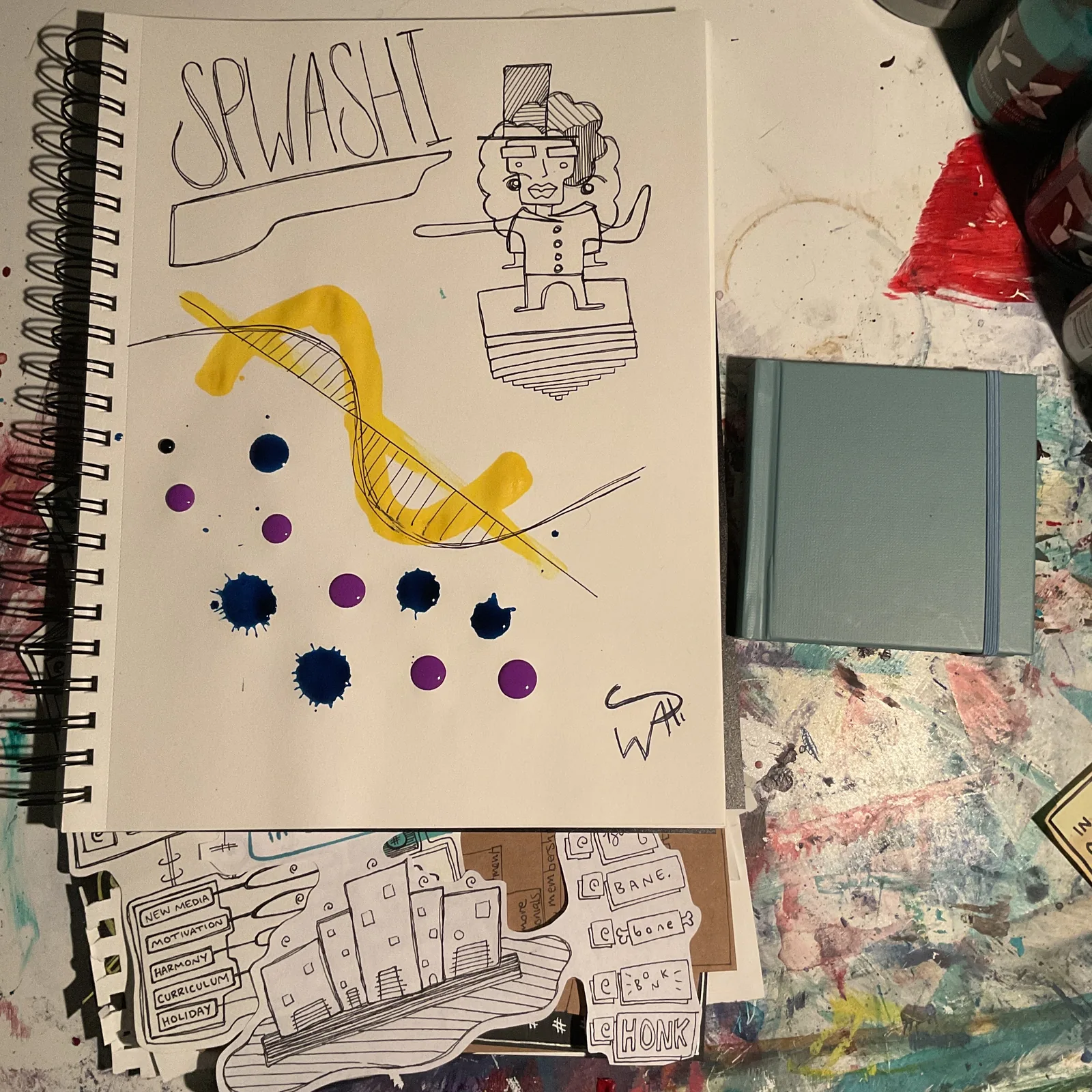
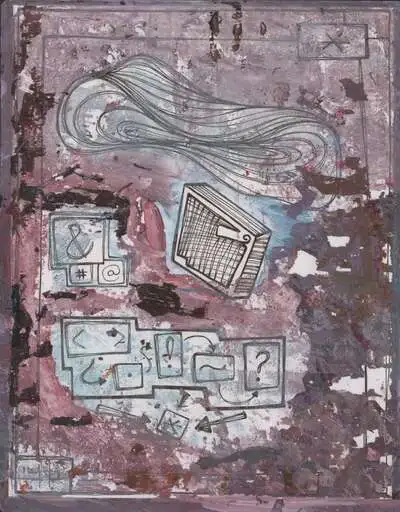
A few photo-backed references help the atlas feel like a field guide instead of a list. These studies live in the same image pool already used elsewhere on the site.

Cross-linked surfaces
Deeper entry points that connect the lattice across topics, domains, play surfaces, and spell-ready vocabulary clusters.
Choose a learning posture, not only a topic.
A route atlas is more useful when it helps you name how you want to learn right now: study, stabilize, build, or play.
study = learner model
stabilize = maintainer baseline
build = maker craft
play = explorer probe
Study
Use pedagogy, math, and software when you want models, examples, and a slower path into technical depth.
Stabilize
Use care, nutrition, and mental health when you need language, recovery structure, or a more realistic baseline for the week.
Build
Use craft, design, film, and tools when the best way to learn is to make a page, shotboard, system, file, or proof object.
Play
Use play and adjacent routes when curiosity needs lower stakes, role-play, and more permission to test a structure in motion.
Return by drift, not by taxonomy.
The good revisit is rarely “go back where you started.” It is “notice what became adjacent since the last pass.”
Cross-pollination
Routes worth revisiting once the center moved.
When the software route gets too abstract, borrow from math or craft. When care language gets too private, bring in nutrition, play, or writing.
Three useful habits
Re-enter sideways.
Use the neighboring route you skipped last time, especially if the original surface feels overfamiliar.
Follow pressure.
Routes with live questions are often more useful than routes with the cleanest summary.
Keep wonder portable.
A page is better when its insight can survive as a screenshot, note, lesson, or prompt seed.
Why wonder
Different surfaces teach different kinds of thinking.
The atlas matters because one route can loosen another: parser weather for writing, game structures for care, typography for software, and nutrition for weekly stability.
Wonder through a skill, earn a handle.
A good topic page should not only describe a field. It should reward attention with a phrase, pattern, prompt, spell, or transfer move.
Gratitude
Thanks for taking a skill seriously enough to wander inside it.
The useful visitor is not only collecting information. They are teaching themselves how to notice, compare, and carry a structure elsewhere.
What you should leave with
A better question
The route should narrow the mystery without flattening it.
A transferable pattern
Something from math, software, craft, or play that survives the jump into another surface.
A small spell
One repeatable move or route sequence that feels earned instead of assigned.
Try the transfer
Move the handle into a neighboring field.
Use the site while you read
Topics are not PDFs with chrome. Many routes expose handles you can practice on the way through — tune weather, collect vocabulary, stage scenes, or leave with something screenshotable.
Tune in place
Palette resonance, layout width, and explore posture change how cards, diagrams, and operator color read without leaving the atlas.
Operator resonance
Focus or hover an operator chip — matching frame, probe, and scene handles across the page echo softly so grammar stays visible.
Scene beds
Practice routes let you Tab through lanes, couple images to focus, and Enter a scene frame — then screenshot the stage as proof.
Living terms
Hold a vocabulary panel to gather it into the cauldron; return through spells, proof cards, or settings when the handle matters later.
Navigator + section handle
On long registers, open the navigator for frame jumps; on narrow screens, the section handle follows scroll and names where you are.
Inspect the runtime
When a page teaches systems, the field guide shows what scripts own which behaviors — useful before you copy a pattern elsewhere.